








Got a question? We're happy to help
03303903059
If you’ve mounted your TV on the wall, hiding the cables is the final touch that makes everything look clean and intentional. Whether you’re setting up a new TV or upgrading your living room layout, there are several simple ways to keep wires out of sight.
Before you start, think about how many devices you’ll be connecting. Consoles, soundbars, set-top boxes and streaming sticks all add extra wires, so planning your route makes the job easier.
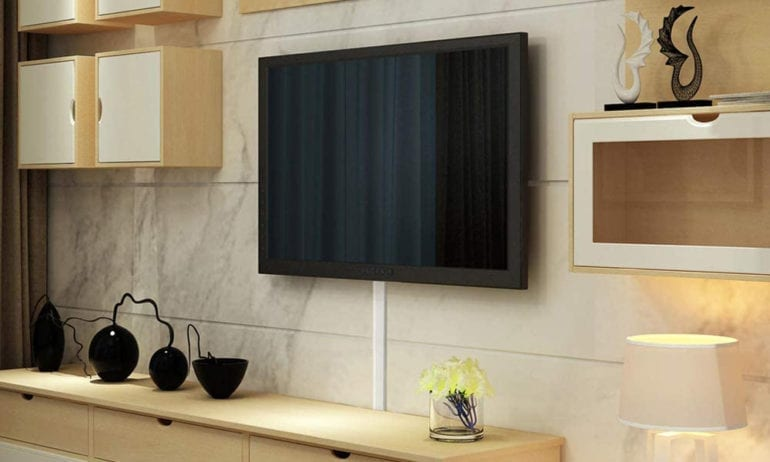
These are one of the easiest ways to tidy up your setup. Cable covers are slim plastic channels that stick to the wall and hide wires inside. You can paint them to match your wall so they blend in neatly.
Measure the length you need, cut the cover, stick the base to the wall, place your cables inside and snap the top on. It avoids drilling and instantly cleans up the area.
If you have several wires running in the same direction, cable sleeves bundle everything neatly together. They don’t hide the wires on the wall itself but they prevent them from looking messy. Combine sleeves with a cable cover for a cleaner finish. You can also explore more cable solutions under TV accessories.
These kits include brush plates and tubes that guide cables safely through the wall. They’re ideal when you want a professional finish with no visible channels.
Mark where you want each opening, cut the holes using the template provided, fit the plates, then feed the cables through the tube. This works best on plasterboard walls.
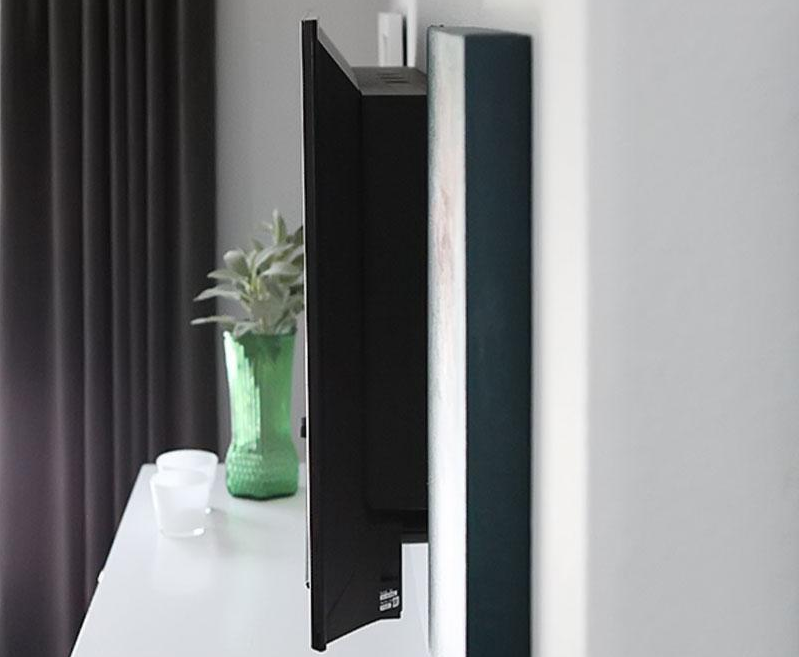
This is a more advanced method that usually needs a professional. A channel is cut into the wall, the cables sit inside, then the surface is plastered and painted. Once done, your TV looks like it’s floating with no wires at all.
A shelf fitted under your TV can hold consoles or set-top boxes. Cables can run behind the shelf, keeping them out of sight.
These hide extension leads and bulky plugs, which often create the most clutter. Place everything inside the box and close the lid for a neater finish.
Once everything is set up, your wall-mounted TV will look clean, streamlined and ready to enjoy with zero distractions.




