








Got a question? We're happy to help
03303903059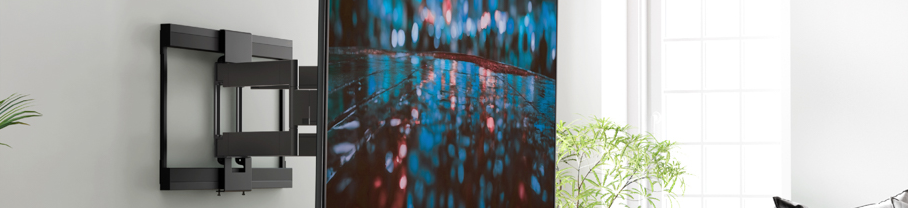
Wall mounting your TV is one of the best ways to create a clean, modern setup. It frees up space, keeps cables tidy and gives you that cinema-style viewing angle. Whether you’ve bought a new TV or you’re upgrading your room layout, mounting it on the wall is easier than you might think with the right tools and preparation.
Before you start, decide where you want the TV to go. Think about the height, how far your seating area is, and where your sockets are. It’s also worth checking the weight and size of your TV to make sure your chosen wall mount is compatible.
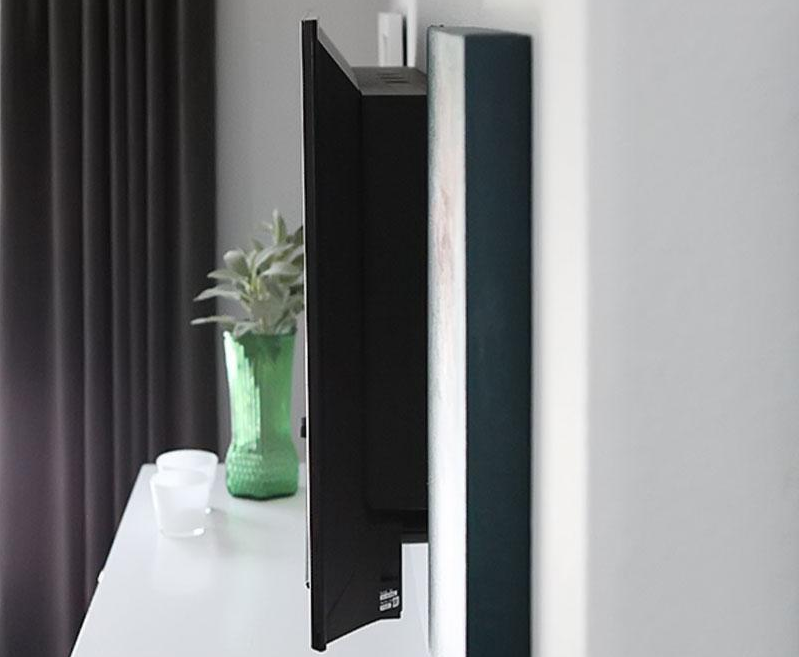
These keep your TV tight to the wall and give a clean, simple look. They’re ideal if you always sit directly in front of the screen.
These allow the TV to angle slightly up or down. They’re great if you need to mount your TV a bit higher, such as above a fireplace.
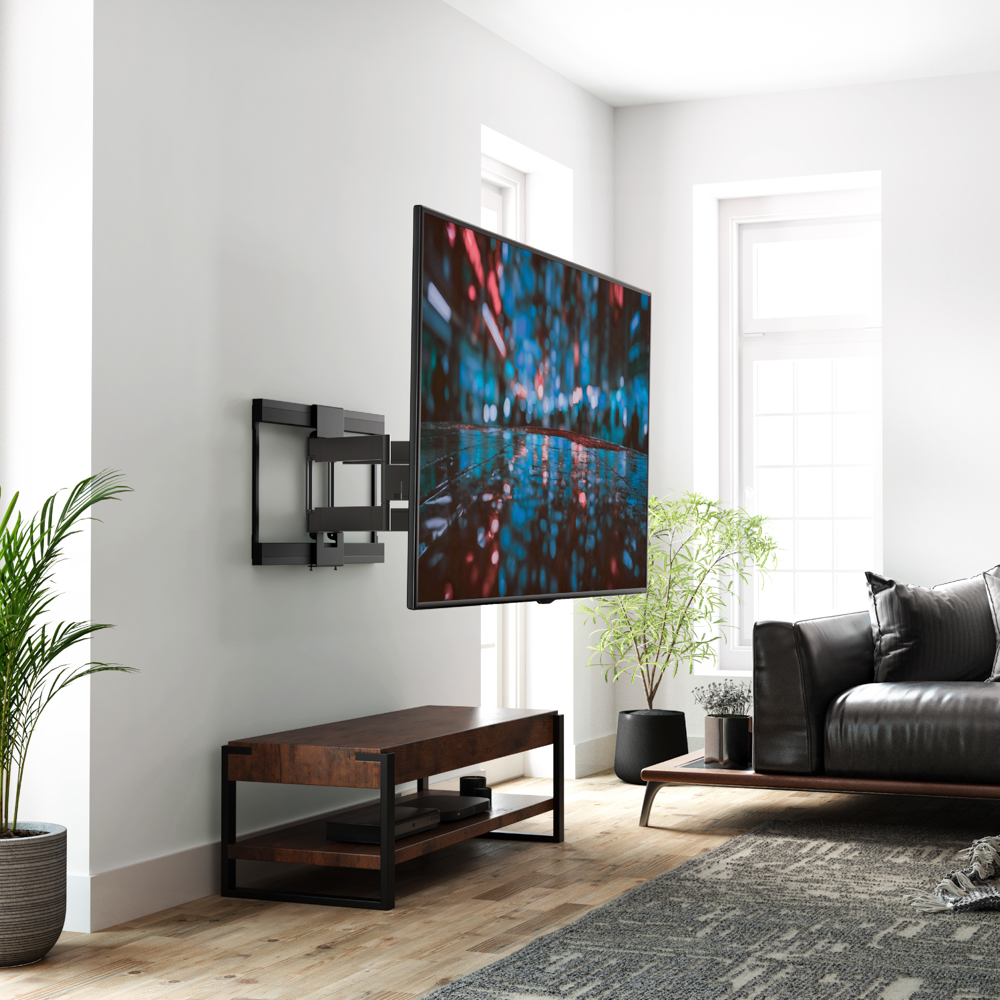
These mounts extend, swivel and tilt. They’re perfect if you want flexibility, especially in larger rooms or open-plan spaces. You can explore compatible wall mounts under TV accessories.
For plasterboard walls, use a stud finder to locate solid points where the bracket can be fixed securely. If you have a brick or concrete wall, you can drill directly into the wall using the correct plugs.
Sit where you’ll be watching TV and note the most comfortable height. Mark the top edge of the bracket on the wall, then double-check your measurements.
Hold the mount against the wall, use a level to ensure it’s straight, then mark the screw holes. Drill into the wall, insert your plugs and screw the bracket firmly into place.
Lay your TV face down on a soft surface, then attach the mounting arms using the screws provided. Make sure they’re tight and aligned correctly.
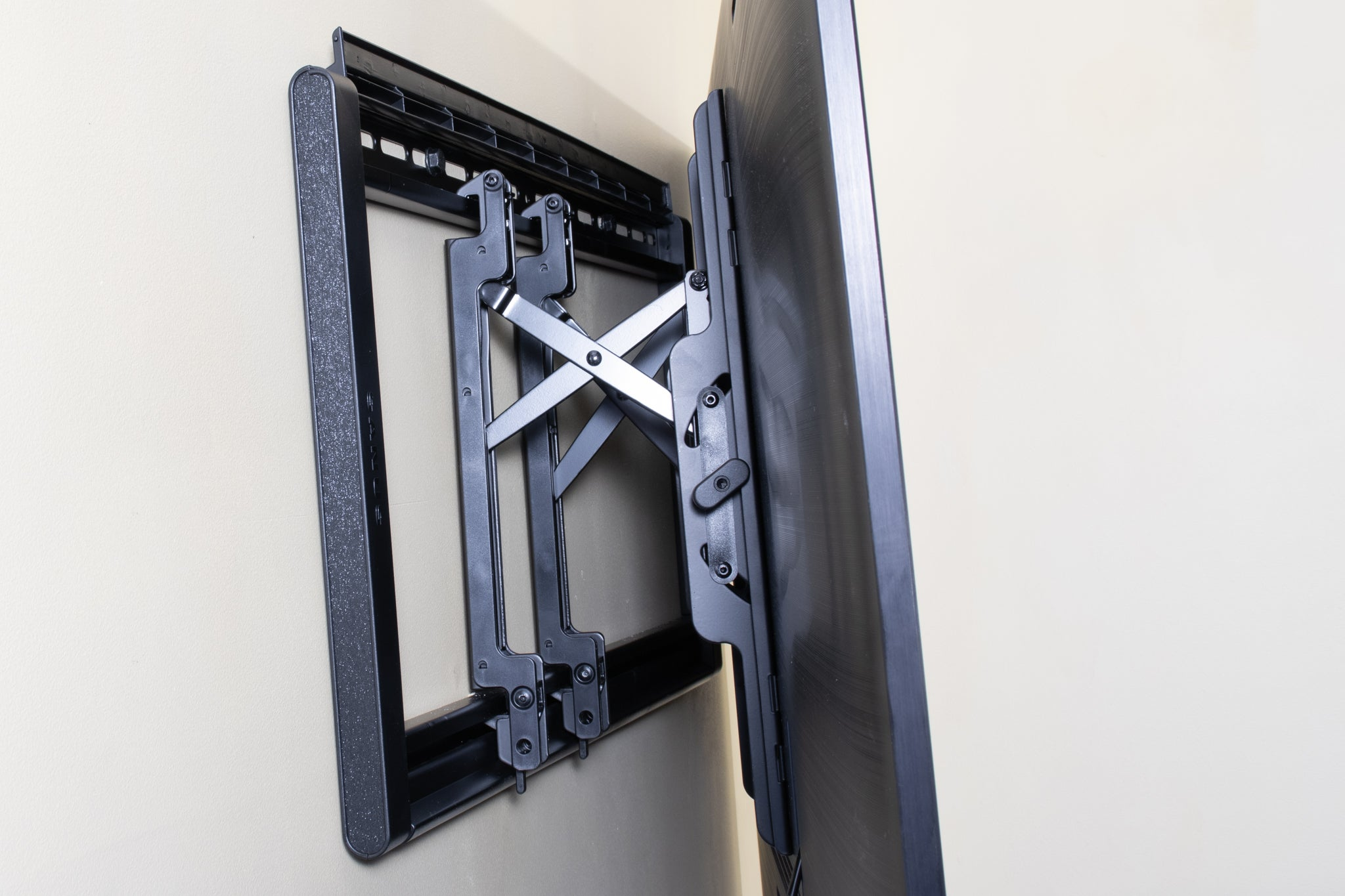
With the help of another person, lift the TV and hook it onto the wall bracket. Once attached, tighten any safety screws to lock it into place.
Once the TV is up, you can neaten your setup using cable covers, sleeves or in-wall cable kits. If you want a cleaner finish, see our guide on hiding cables for wall-mounted TVs.
With everything in place, your wall-mounted TV will look sleek, secure and ready for your next film night.




